
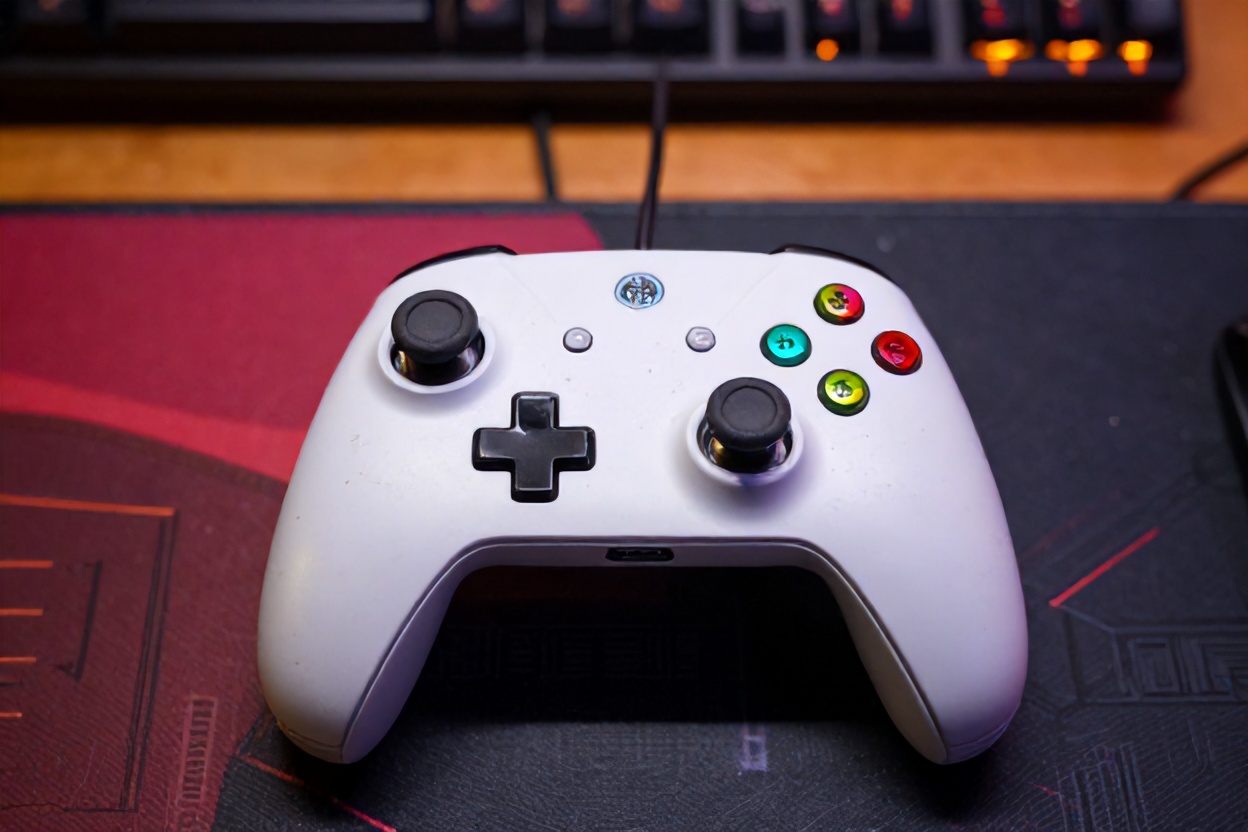
Ever found yourself in the middle of an epic battle, only to have your character veer off the screen thanks to pesky stick drift? Let’s dive into the world of your gaming nemesis in our post, “Why Your Gaming Controller Stick Drift Happens and Prevention Tips.” Together, we’ll dismantle the dust, wear, and manufacturing quirks behind it, and share bulletproof hacks to extend your controller’s life. Ready to reclaim victory?
Key Takeaways
- Discover what causes your controller’s stick drift—dust, wear, or those mysterious manufacturing quirks.
- Learn prevention hacks to keep your controllers in prime gaming condition longer than ever.
- Get to know the sneaky dust bunnies that make controllers go haywire.
- Understand why stick drift can happen even to the pros—hint: it’s not just heavy gaming.
- Don’t let stick drift ruin your high-score run, find out how to protect your gear.
- Explore how to minimize wear and tear on your much-loved controllers.
- Prevent stick drift with smart maintenance tips—who knew gaming could require TLC?
Understanding Stick Drift: What’s Actually Happening Inside Your Controller
You know that frustrating moment when your character walks sideways without touching the stick? That’s stick drift, and it’s basically your controller’s way of ghosting you mid-game. But here’s the thing—it’s not magic or a curse; it’s physics meeting wear and tear. Stick drift happens when the analog stick’s internal sensors lose their ability to accurately register a neutral position, causing your game to register phantom inputs. Understanding what’s going on under the hood is the first step to preventing it from ruining your gaming sessions.
- Potentiometer Degradation: Inside every analog stick lives a potentiometer—a tiny resistor that measures stick position. Over time and with heavy use, this component wears out, sending false signals to your console.
- Contact Point Erosion: The conductive material inside your stick experiences friction with every movement you make. Millions of micro-movements eventually wear down these contact points, leading to inconsistent readings.
- Manufacturing Tolerances: Some controllers are simply born with tighter tolerances than others. A minuscule defect during manufacturing can accelerate stick drift, sometimes appearing within weeks of purchase.
- Material Fatigue: The plastic components inside the stick assembly expand and contract with temperature changes and constant use, creating microscopic gaps that mess with sensor accuracy.
Dust and Debris: The Silent Stick Drift Culprits
Let’s talk about the sneaky stuff nobody wants to discuss—dust. Your gaming controller sits in your lap, on tables, and occasionally gets knocked around, collecting all sorts of particles. Dust particles might seem harmless, but when they find their way into the analog stick assembly, they create a real problem. These microscopic invaders settle between the moving components and the sensors, essentially gumming up the works. Think of it like sand in gears—it doesn’t take much to throw everything off balance.
- Accumulation Over Time: Dust doesn’t announce itself; it quietly builds up day after day. Even in a clean gaming space, environmental particles migrate into controller crevices, gradually affecting stick responsiveness.
- Moisture Attraction: Dust particles attract moisture from humidity, creating a sticky residue that interferes with the potentiometer’s ability to read stick position accurately.
- Sensor Interference: When debris settles near the analog stick’s sensor contacts, it creates electrical interference, causing the controller to misinterpret your inputs and trigger stick drift symptoms.
- Compound Effect with Sweat: Gaming sessions involve sweating—let’s be real about it. Sweat and dust combine to form a conductive paste that’s basically kryptonite for your stick’s internal circuitry.
The Wear and Tear Factor: How Gaming Habits Accelerate Stick Drift
Here’s something most gamers don’t realize—your gaming habits directly impact how quickly stick drift develops. If you’re the type who grips your controller like it owes you money or applies intense pressure during competitive sessions, you’re basically speed-running toward stick drift territory. The analog stick isn’t designed for superhuman force; it’s engineered for natural gaming motions. When you exceed those parameters, the internal components degrade faster than a cheese wheel in a mouse convention.
- Pressure Applied During Gaming: Slamming the stick or applying excessive downward force during intense moments increases friction between internal components, accelerating wear on the potentiometer and contact points.
- Repetitive Motion Patterns: Certain games demand repetitive stick movements—think fighting games or fast-paced shooters. This constant, identical motion path causes accelerated wear in specific areas of the stick assembly.
- Grip Intensity: White-knuckling your controller during competitive sessions means you’re transferring more stress directly to the analog stick mechanism. Relaxed gaming hands mean longer controller lifespan.
- Frequency of Play: Casual gamers experience stick drift much less frequently than hardcore players. The more hours your stick spends in motion, the faster its internal components deteriorate.
Manufacturing Defects: When Your Controller Starts with a Disadvantage
Sometimes stick drift isn’t about what you did—it’s about what happened during manufacturing. Controllers roll off assembly lines by the millions, and despite quality control, some slip through with defects. You might get unlucky and receive a unit where the potentiometer was installed slightly misaligned, or where the analog stick housing has a microscopic crack. These manufacturing quirks can trigger stick drift almost immediately, making you feel like you got a lemon.
- Potentiometer Installation Errors: If the potentiometer is seated incorrectly during assembly, it won’t calibrate properly, causing stick drift to appear within the first few weeks of ownership.
- Component Inconsistency: Not all potentiometers are created equal. Some manufacturers source components from different suppliers, and variations in quality directly affect how long your stick lasts.
- Housing Defects: Tiny cracks or warping in the plastic housing can create pressure points that interfere with normal stick operation, manifesting as drift almost immediately.
- Calibration Issues: Some controllers leave the factory with calibration problems, where the neutral position isn’t truly neutral. This appears identical to stick drift but stems from manufacturing rather than wear.
Prevention Hack #1: Storage and Environmental Control
Where and how you store your controller matters more than you’d think. Controllers sitting in humid environments, near heat sources, or in dusty spaces are basically asking for stick drift. We think of our controllers as indestructible, but they’re actually pretty sensitive to environmental conditions. Creating an optimal storage environment is like giving your controller a spa day—it extends its lifespan dramatically. You don’t need anything fancy; just a clean, cool, dry spot away from sunlight.
- Humidity Control: Moisture is stick drift’s best friend. Store your controller in a space with humidity below 50%. If you live in a humid climate, consider a small dehumidifier in your gaming space.
- Temperature Stability: Extreme temperature fluctuations cause the plastic housing and internal components to expand and contract. Keep your controller in a space between 60-75°F for optimal longevity.
- Dust-Free Storage: Store controllers in a closed container or case rather than leaving them exposed on desks. Even a simple ziplock bag works in a pinch to keep dust out.
- Away from Heat Sources: Don’t store controllers near radiators, heat vents, or direct sunlight. Heat accelerates material degradation and can warp the plastic housing.
Prevention Hack #2: Cleaning Habits That Actually Work
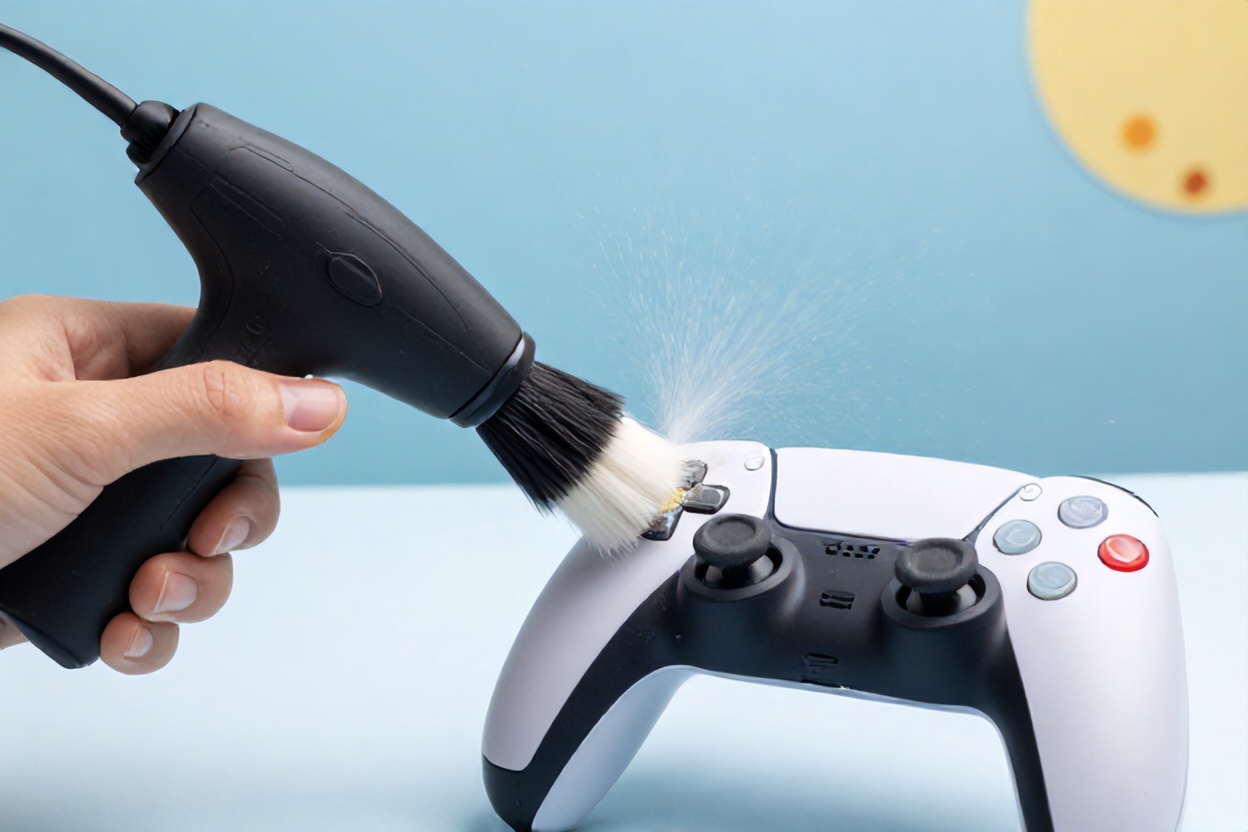
Regular cleaning is your first line of defense against stick drift. You don’t need anything complicated—just a little maintenance routine that takes five minutes. Think of it like brushing your teeth; it’s a small habit that prevents major problems down the road. Most gamers never clean their controllers, which is like never cleaning your car. Over time, buildup becomes inevitable. A quick cleaning session every couple of weeks can add months to your controller’s lifespan.
- Compressed Air for Crevices: Use short bursts of compressed air around the analog stick and button areas. This dislodges dust before it settles into the internal mechanisms. Hold the can upright and use the straw attachment for precision.
- Microfiber Cloth for Surfaces: Wipe down the controller exterior with a slightly damp microfiber cloth. This removes sweat residue and surface dust without introducing excess moisture into the system.
- Isopropyl Alcohol for Stubborn Residue: Mix a small amount of isopropyl alcohol with water (70/30 ratio) to clean the stick exterior. Never submerge the controller, and avoid getting liquid into openings.
- Cotton Swabs for Stick Edges: Use a cotton swab slightly dampened with isopropyl alcohol to clean around the base of the analog stick where dust accumulates most heavily.
Prevention Hack #3: Proper Gaming Technique and Grip
Your mother was right—posture matters. The way you hold and use your controller directly impacts how long it survives. We’re not saying you need to treat it like a newborn baby, but applying excessive force or gripping it like you’re strangling a python definitely accelerates wear. Developing good gaming habits is honestly the easiest prevention method because it costs nothing and actually improves your gameplay. Win-win situation.
- Relaxed Hand Position: Keep your hands relaxed during gaming. Tension in your grip translates directly to pressure on the analog stick, increasing friction and wear on internal components.
- Gentle Stick Movements: Make deliberate, smooth movements with the analog stick rather than jerky, aggressive inputs. Think of it as guiding the stick rather than attacking it.
- Avoid Stick Resting: Don’t rest the stick against the edges of the housing or apply constant pressure in one direction. The neutral position is where it should spend most of its time.
- Button Moderation: While we’re talking technique, don’t button-mash excessively. Controlled inputs extend your entire controller’s lifespan, not just the sticks.
Prevention Hack #4: Rotation and Rest Periods
Here’s a strategy most gamers overlook—rotating controllers. If you’re serious about gaming, having multiple controllers allows you to spread the wear across different units. Think of it like tire rotation on a car; you’re evening out the damage. Even if you only have two controllers, alternating between them gives each one rest periods where the potentiometer isn’t under constant stress. This simple strategy can literally double the lifespan of your controllers.
- Multi-Controller Strategy: If you game frequently, having 2-3 controllers allows you to rotate usage. While one controller rests, you’re using another, spreading wear evenly and extending overall lifespan.
- Recovery Time: Controllers benefit from rest periods just like muscles do. After 4-5 hours of continuous gaming, let your controller sit for a few hours before using it again.
- Scheduled Rotation: If you have multiple controllers, use them on a weekly rotation. This prevents any single unit from experiencing accelerated wear from continuous heavy use.
- Monitor Individual Controllers: Keep track of which controller shows signs of drift first. This helps you identify if you have a manufacturing defect and plan replacement strategies accordingly.
When Prevention Isn’t Enough: Knowing When to Replace
Despite your best prevention efforts, stick drift eventually happens—it’s the circle of controller life. The good news is that knowing when to replace versus repair helps you make smart financial decisions. Some drift is fixable with calibration adjustments or careful cleaning, but once it progresses to a certain point, replacement becomes more economical. Understanding the difference between temporary fixes and permanent solutions helps you avoid throwing money at a lost cause.
- Early Detection Signs: Slight stick drift that appears during specific games might be fixable through recalibration or cleaning. Severe drift affecting all games usually signals potentiometer failure requiring replacement.
- Warranty Coverage: Check if your controller is still under warranty. Many manufacturers cover stick drift defects, offering free replacement during the first year of ownership.
- Repair vs. Replace Economics: Professional stick drift repairs typically cost $20-40, while replacement controllers range from $50-70. If your controller is older than 2 years, replacement often makes more sense.
- Prevention Investment: Think of prevention as investing in controller longevity. Spending $5 on a protective case or $10 on cleaning supplies is way cheaper than replacing a $60 controller.
Your Action Plan: Implementing Prevention Starting Today
Knowledge is great, but action is better. You now understand the sneaky culprits behind stick drift—dust, wear, and manufacturing quirks—plus you’ve got bulletproof prevention hacks. The next step is actually implementing these strategies. Start small if you need to; pick one or two prevention methods and build from there. Your controllers will thank you with years of reliable gaming performance. For a deeper dive into how to fix stick drift on your gaming controller, check out this comprehensive guide on addressing existing drift issues.
- This Week: Clean your current controller using compressed air and a microfiber cloth. Establish a storage location that’s cool, dry, and dust-free.
- Next Week: Evaluate your gaming grip and consciously practice relaxed hand positioning during sessions. Notice how your gameplay changes with less tension.
- Ongoing: Implement a bi-weekly cleaning routine and monitor your controller for early signs of drift. Catch problems early before they become severe.
- Long-term: If you game heavily, invest in a second controller for rotation purposes. The cost is worth the extended lifespan of both units.
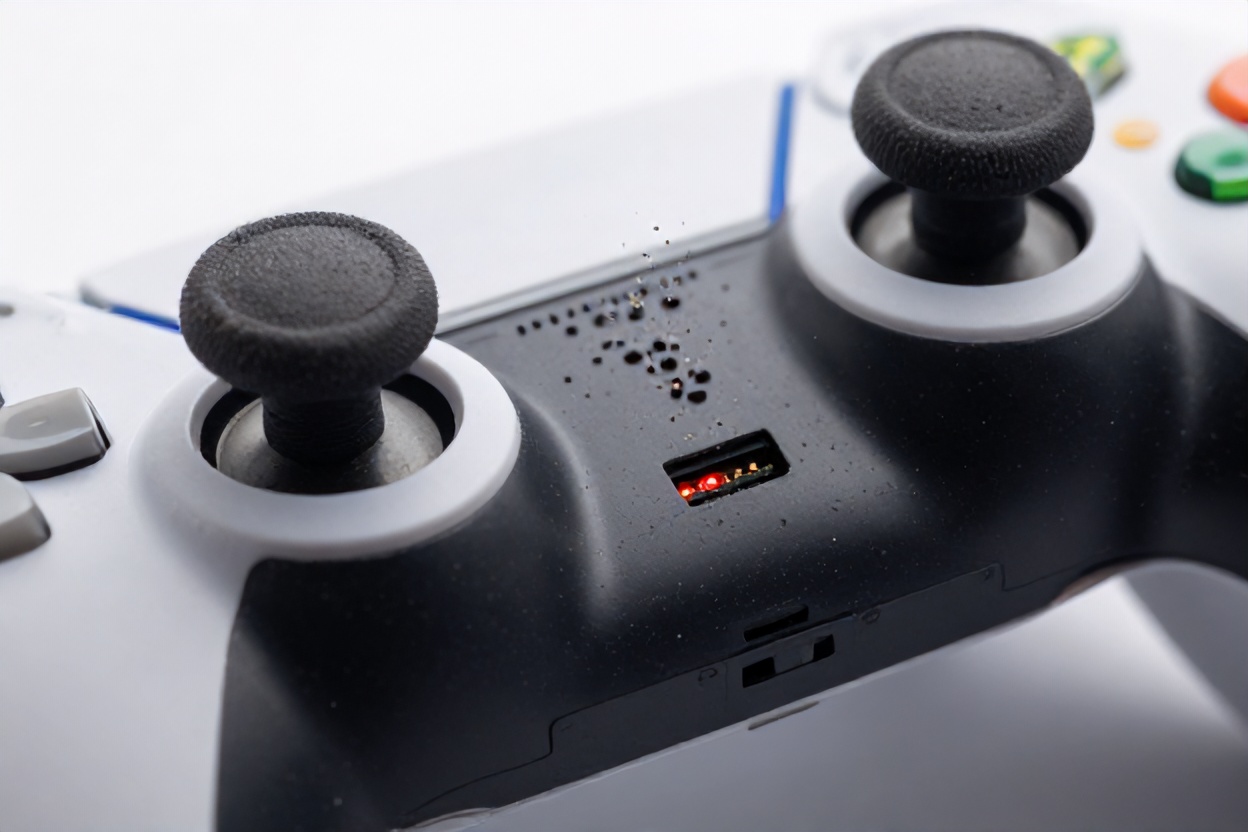
Dust bunnies, wear and tear, and a few quirky manufacturing gremlins might conspire to drive your gaming controller’s stick drift problems, but armed with the right prevention tips, you can easily extend your controller’s lifespan. Routine cleaning to evict that pesky dust and light, focused use to avoid wear can stymie most problems before they start. And let’s face it, tackling these sneaky culprits not only ensures your controller remains gaming-ready longer but also keeps your gaming skills sharp and your playing experience smooth. So there you have it—the game plan to outsmart stick drift!
Now, if you’re itching to explore more ways to optimize your gaming setup, why not dive into our exciting gaming community? Just hit that like button over on Facebook, follow us on Instagram, or drop by our tech discussion page to geek out about all things gaming. Go on, don’t be a stranger!





Leave a Reply